
Striving
Make room for the things that matter
Best of 2022 Nomination- Best Everyday Essentials, Google Play(TW/HK) · Google Taiwan announcement
Stay with your study or work and give your phone a break. Striving brings a focus timer, progress records and game rewards together to help you build a regular focus routine.


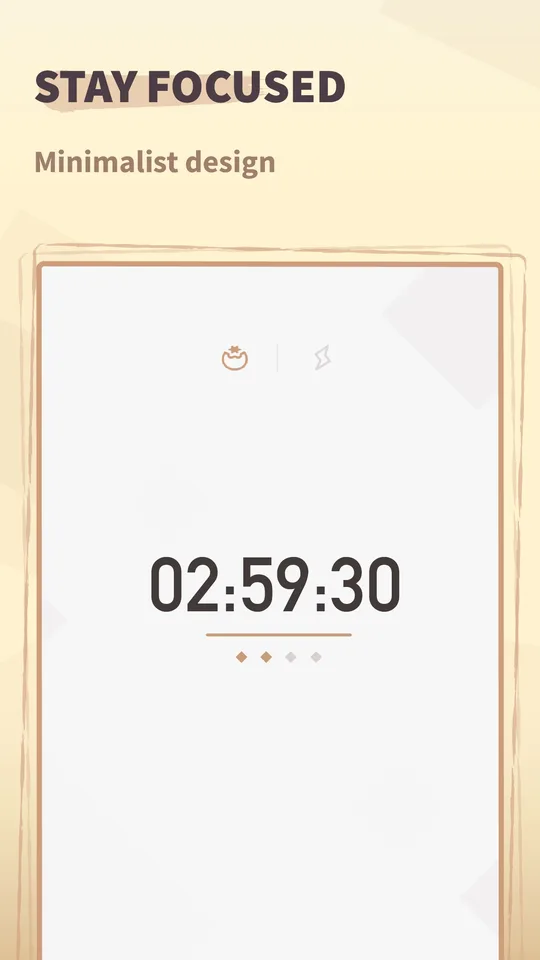
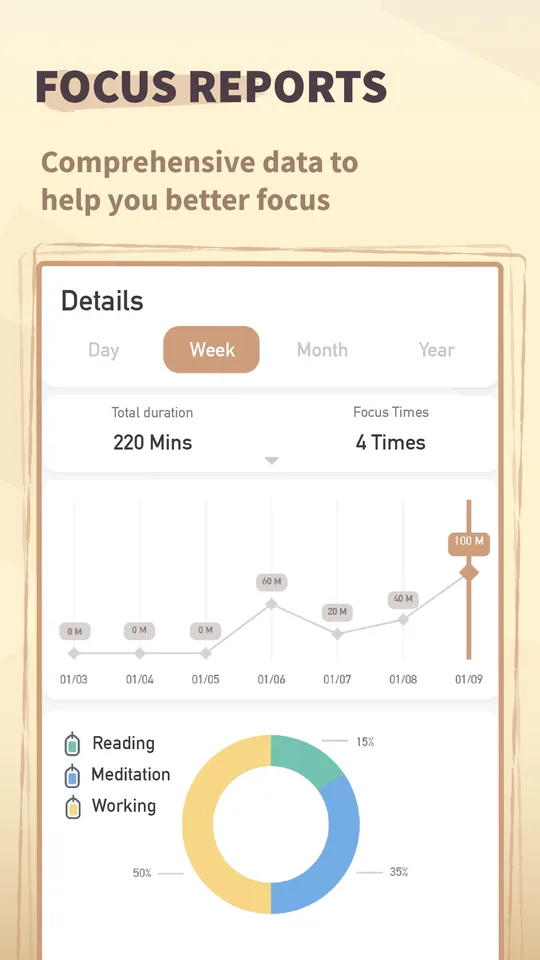
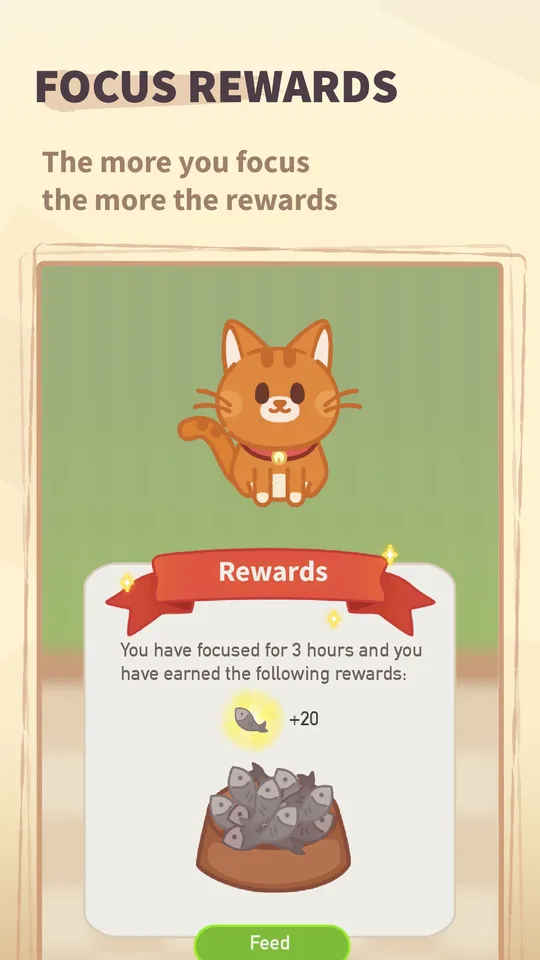
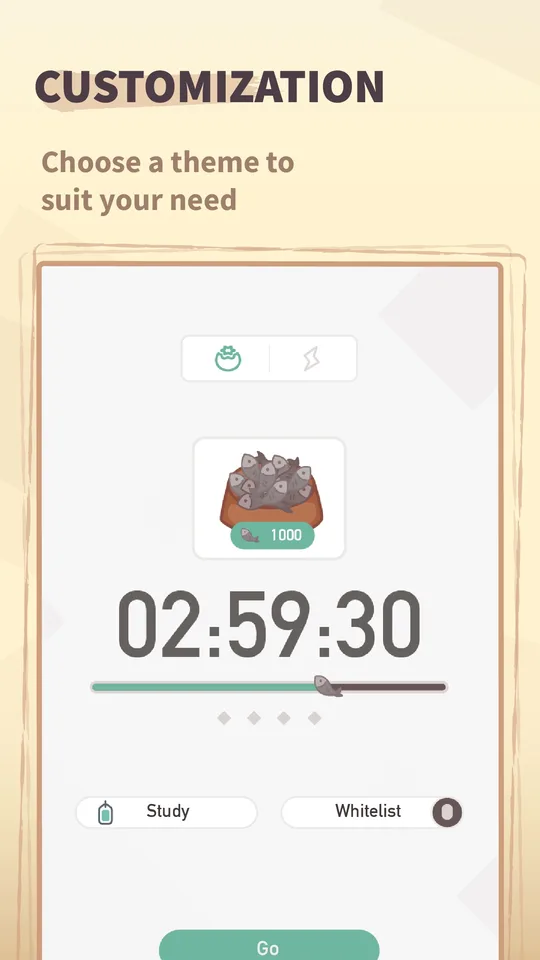
Screenshots
FAQ
Which timer modes does Striving offer?
Striving's Android version includes countdown, stopwatch and Pomodoro modes. Use its reports to review focused time and plan your next tasks.
How can I block distractions while keeping essential apps available?
Turn on Strict Mode in Striving to restrict access to other apps. On iPhone or iPad running iOS 16 or iPadOS 16 or later, turning on Strict Mode also gives you access to the Screen Time whitelist, where you can allow essential apps during a focus session.
How do I sync Striving with Focus Plant or Focus Quest?
On Android, connect Focus Plant or Focus Quest to your Striving account to use your focus minutes in those games. Follow our illustrated Focus Plant setup guide or Focus Quest setup guide for the connection steps.
Why are my earlier focus sessions not syncing?
Only sessions that start after you connect the game to Striving are eligible to sync. Earlier sessions are not imported. Disconnecting and reconnecting resets that starting point, so keep the connection in place. These rules are explained in the Focus Plant and Focus Quest setup guides.
Is Striving free?
Striving is free to download on iPhone, iPad and Android, with in-app purchases. The iOS version also offers an optional SuperPass subscription for premium features. Check your store for current local prices and subscription terms.
See platform features and current pricing on the App Store or Google Play.
Need a hand?
Browse the Striving help topics for account connections and focus-time syncing.
Visit our contact page for support and ways to get in touch.